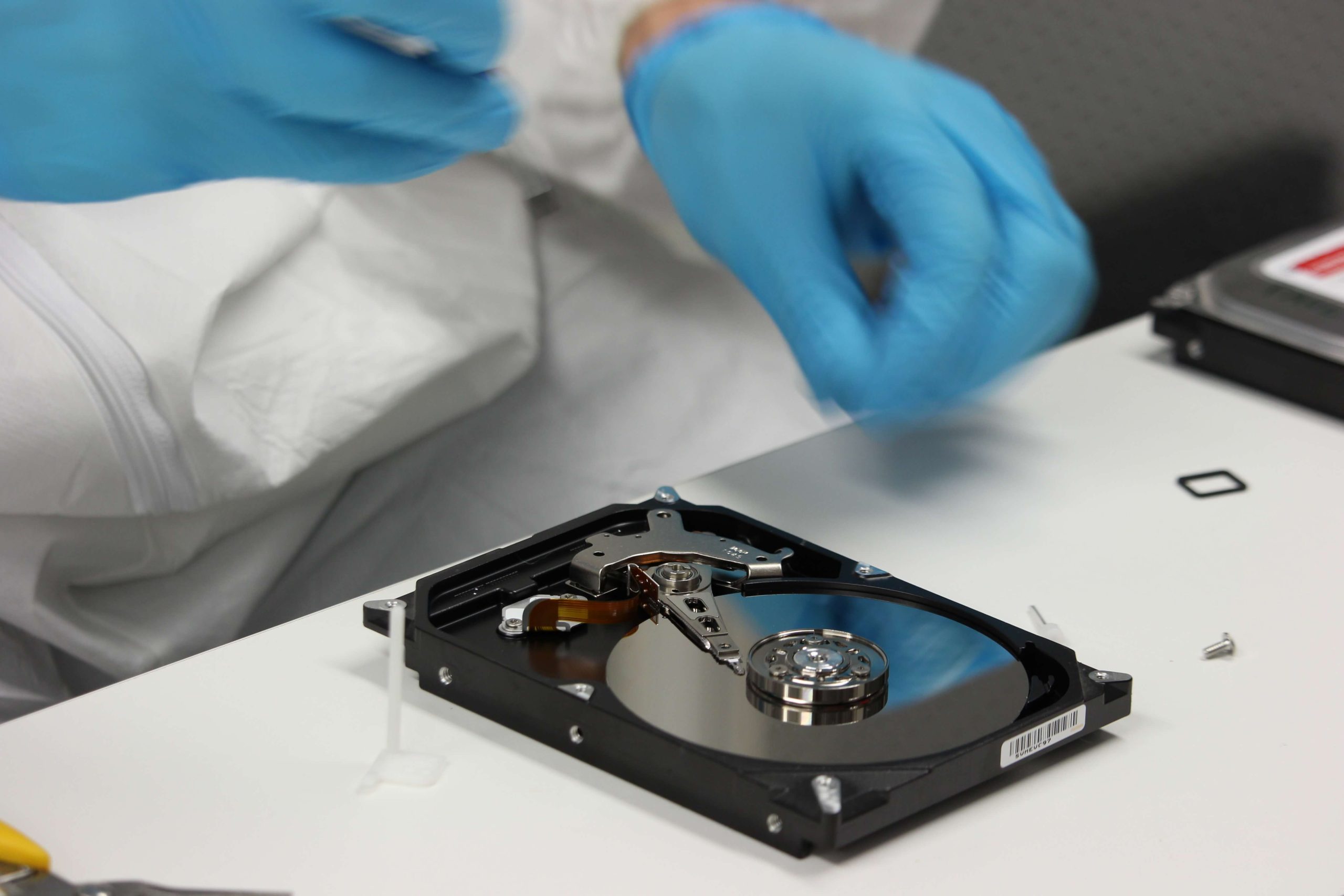
Have you ever deleted an important file and immediately regretted it? Or maybe a virus wiped out a folder you desperately needed for work or school? If so, you’re not alone—and the good news is that data recovery software can help you retrieve those files quickly and safely.
In today’s digital world, data loss can happen unexpectedly. Whether due to accidental deletion, system crashes, hardware failures, or malicious attacks, losing your files is always a frustrating experience. Thankfully, you don’t have to panic—there are powerful tools available that can recover lost data from your hard drive, external drive, SD card, or even a formatted partition.
Why Backups Often Aren’t Enough
While regular backups are the best defense against data loss, the reality is that many individuals and businesses skip this step. According to industry surveys, over 30% of small businesses don’t back up their data at all—often due to perceived complexity or cost.
But what happens when you haven’t backed up your data and something goes wrong?
This is where data recovery software comes to the rescue.
How Data Recovery Software Works
When a file is deleted—whether by accident, virus, or system glitch—it isn’t immediately erased from your computer. Instead, the file’s path is removed from the file system, making it invisible and inaccessible. But the actual binary data still exists on your hard drive until it’s overwritten by new files.
Data recovery tools use advanced scanning algorithms to locate these hidden data fragments and piece them back together in a readable format.
What Can Be Recovered?
Most data recovery programs are capable of restoring:
- Deleted Files: Documents, images, videos, etc., accidentally moved to the recycle bin or permanently deleted.
- Formatted Drives: Data from USB drives, SD cards, or hard drives that have been formatted.
- Corrupted or Crashed Systems: Files lost due to operating system errors or failed updates.
- Raw Partitions: Recovery from storage devices that show up as RAW or inaccessible.
Top 8 Data Recovery Software Tools (2023 Edition)
Here are eight powerful data recovery tools you can install on your computer right now:
1. Tenorshare 4DDiG
A robust solution for retrieving files from hard drives, formatted computers, and RAW partitions.
Key Features:
- Recovers over 1,000 file types
- Supports Windows and macOS
- Works with USB drives, SD cards, and external hard disks
Ideal for: Recovering lost office documents, media files, and more—even from a formatted or inaccessible device.
2. Recuva
A user-friendly, lightweight tool by the makers of CCleaner.
Key Features:
- Deep scan mode
- Preview before recovery
- Supports FAT, exFAT, and NTFS file systems
Ideal for: Beginners looking for a free or budget-friendly recovery solution.
3. EaseUS Data Recovery Wizard
An industry-leading software with an intuitive interface and excellent performance.
Key Features:
- Partition recovery
- Emergency data rescue from crashed systems
- Recover up to 2GB for free
Ideal for: Both personal and business use with various subscription plans.
4. Disk Drill
Popular for its visual design and file preview options.
Key Features:
- Compatible with Windows and Mac
- Recovers documents, photos, videos, and more
- Built-in data protection tools
Ideal for: Users who want a modern, easy-to-navigate platform.
5. Stellar Data Recovery
Known for its deep scanning capabilities and professional-grade features.
Key Features:
- Recovers lost or deleted emails, files, folders
- RAID recovery support (Pro version)
- Bootable media recovery
Ideal for: IT professionals and advanced users.
6. Wondershare Recoverit
An all-in-one solution with a strong reputation for success.
Key Features:
- Supports 1000+ file formats
- Video repair feature
- Bootable media for unbootable systems
Ideal for: Multimedia users with frequent video/photo projects.
7. PhotoRec
A free, open-source tool designed for deeper recovery.
Key Features:
- Works on Windows, Mac, and Linux
- Supports a wide range of file systems
- Text-based interface (no GUI)
Ideal for: Tech-savvy users who prefer a no-frills, powerful recovery option.
8. R-Studio
Professional-grade recovery software for technicians and data recovery specialists.
Key Features:
- Network data recovery
- Disk imaging
- RAID reconstruction
Ideal for: Enterprises and IT departments handling complex recovery tasks.
What to Do After Data Loss
If you’ve accidentally deleted files or lost them to a virus or crash, follow these steps immediately:
- Stop using the device where the files were stored.
- Don’t install new programs or save new files to that drive.
- Download a data recovery tool on a different drive or device.
- Perform a scan and preview recoverable files.
- Recover and back up your restored data right away.
Final Thoughts
Accidental file deletion doesn’t have to be a disaster. With the right data recovery software, you can quickly retrieve your documents, photos, and important files—even if they seem lost forever. Whether you’re a student, small business owner, or everyday user, investing in a reliable recovery tool can save you hours of stress and lost productivity.
So next time you lose a file, remember: don’t panic—just recover.
About the Author